


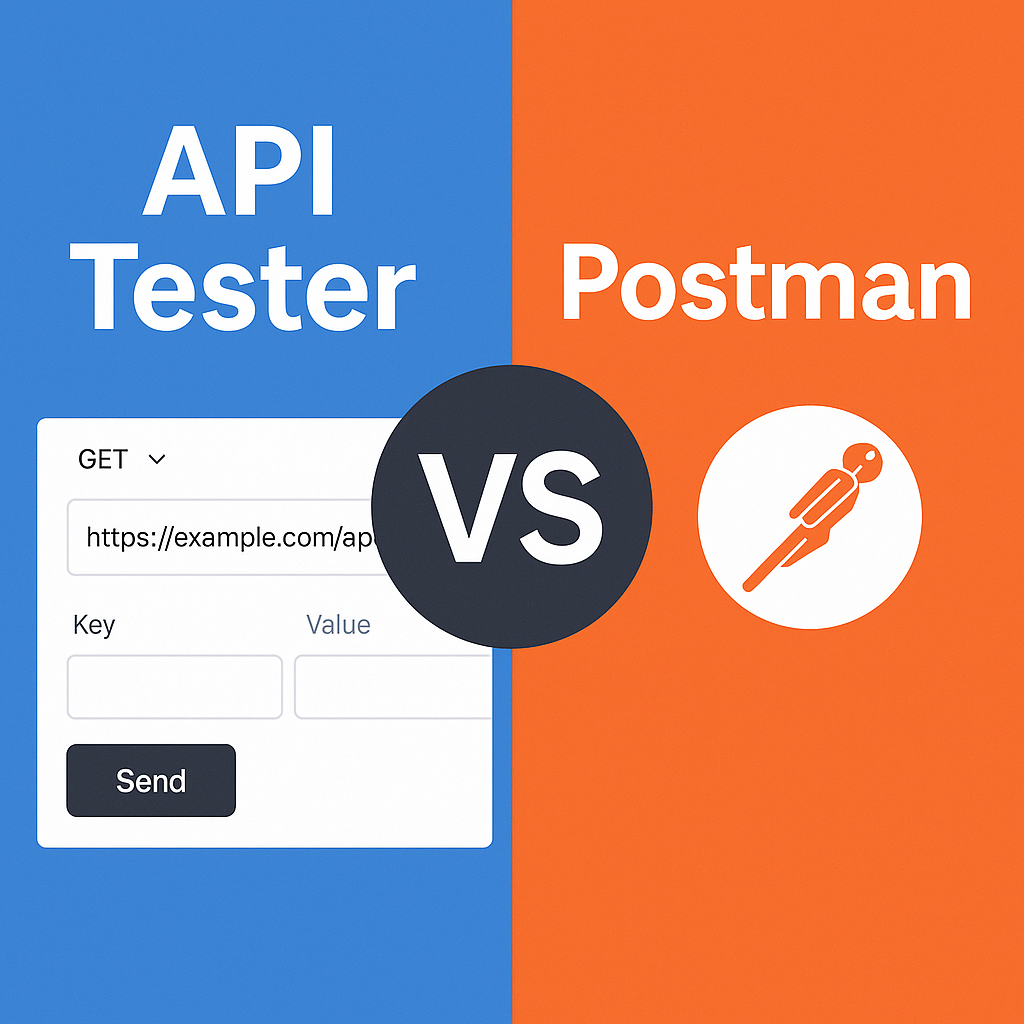
When building modern applications, API testing is one of the most essential tasks for developers. Whether you’re creating REST endpoints, integrating third-party services, or debugging issues, being able to send requests and inspect responses quickly is critical.
When building modern applications, API testing is one of the most essential tasks for developers. Whether you’re creating REST endpoints, integrating third-party services, or debugging issues, being able to send requests and inspect responses quickly is critical.
Most developers turn to Postman, the industry-standard desktop app. But Postman is heavy, requires installation, account setup, and sometimes feels overwhelming for simple tasks.
That’s where the API Tester by Innova Dev Tools comes in — a lightweight, browser-based alternative that makes API testing fast, easy, and accessible for everyone.
The API Tester Tool is a free, online utility that lets you send HTTP requests (GET, POST, PUT, DELETE, etc.) and instantly view responses, headers, and status codes — directly in your browser.
No installation. No sign-up. No complex UI.
Just open the tool, enter your endpoint, choose method, add headers/body, and click Send.
👉 Try it here: API Tester
While Postman is powerful, it’s often too much for simple testing. Here’s why API Tester is a better choice in many cases:
Postman → Requires downloading a heavy desktop app or browser extension.
API Tester → Runs instantly in any browser. Open the link and start testing.
Postman → Packed with advanced features, team workspaces, environments, and scripting. Great for pros, but confusing for beginners.
API Tester → Minimal, clean interface with only the essentials (URL, method, headers, body, response). Perfect for quick tests.
Postman → Loading workspaces, syncing collections, opening tabs can take time.
API Tester → Enter details and send immediately. Ideal when you just need to check one endpoint.
Postman → Tied to your device unless you sync with an account.
API Tester → Cloud-based, runs in your browser, usable from any computer or even mobile.
Postman → Free tier exists, but advanced features require paid plans.
API Tester → Always free, no hidden restrictions.
When you open the API Tester tool, here’s what you’ll find:
HTTP Method Support → GET, POST, PUT, DELETE, PATCH, etc.
Custom Headers → Add authorization tokens, content-type, etc.
Request Body Editor → JSON, form-data, raw input support.
Response Viewer → Status codes, headers, response body in structured format.
Error Handling → See instantly if your endpoint fails or times out.
Web Developers → Testing REST APIs during development.
Mobile Developers → Debugging backend endpoints for Android/iOS apps.
Students & Beginners → Learning how APIs work without being overwhelmed.
QA Testers → Quickly verifying endpoint behavior without setting up heavy tools.
Go to API Tester.
Enter https://jsonplaceholder.typicode.com/posts/1 in the URL field.
Select GET as the method.
Click Send.
Instantly see the JSON response from the API.
This entire process takes less than 10 seconds — no downloads, no account creation.
To be clear, Postman is still a great tool when you need:
Advanced scripting (test automation, workflows).
Team collaboration (shared collections, environments).
Large-scale API management.
But for day-to-day quick API testing, Postman is overkill. That’s where API Tester shines.
The API Tester Tool is the fast, simple, and free alternative to Postman for quick API debugging.
No installation ✅
Easy to use ✅
Free forever ✅
If you’re tired of waiting for Postman to load just to test one endpoint, bookmark this tool today and enjoy instant API testing from your browser.
👉 Try it now: https://innovalogic.in/innova-dev-tools/api-test.html